
Moon Lander
Play Moon Lander instantly in browser without downloading. Enjoy lag-free, low latency, and high-quality gaming experience while playing this browser game.
Play More Games





Moon Lander — The Classic Physics-Based Lunar Landing Game
Moon Lander is a free browser tribute to the original Lunar Lander, built with a real physics flight model. Pilot a small spacecraft over procedurally generated moon terrain, fight gravity every second, and touch down gently on a glowing landing pad. One careless landing and your ship explodes.
How It Works
Gravity constantly pulls your lander downward. Fire the main thruster to counteract it, and rotate left or right to control your angle of descent. To land safely, you need both your speed and your tilt within strict limits at the moment of touchdown — come in too fast or too tilted and the ship explodes on impact.
Each safe landing scores points based on your level, remaining fuel, and how gently you touched down. Clear a level and move to the next, where the terrain gets rougher, the landing pad narrows, fuel becomes scarcer, and gravity grows slightly stronger — a genuine escalating challenge that tests precision flying under mounting pressure.
Key Features
- Real physics flight model — authentic gravity, thrust, and momentum simulation
- Precision landing requirements — strict speed and tilt thresholds for a safe touchdown
- Soft-landing bonus scoring — the gentler your landing, the higher your bonus points
- Escalating difficulty — rougher terrain, narrower pads, less fuel, and stronger gravity each level
- Live instrument HUD — color-coded gauges for fuel, speed, and tilt that shift from green to red as danger increases
- Procedurally generated terrain — smooth analytic hills that vary every level
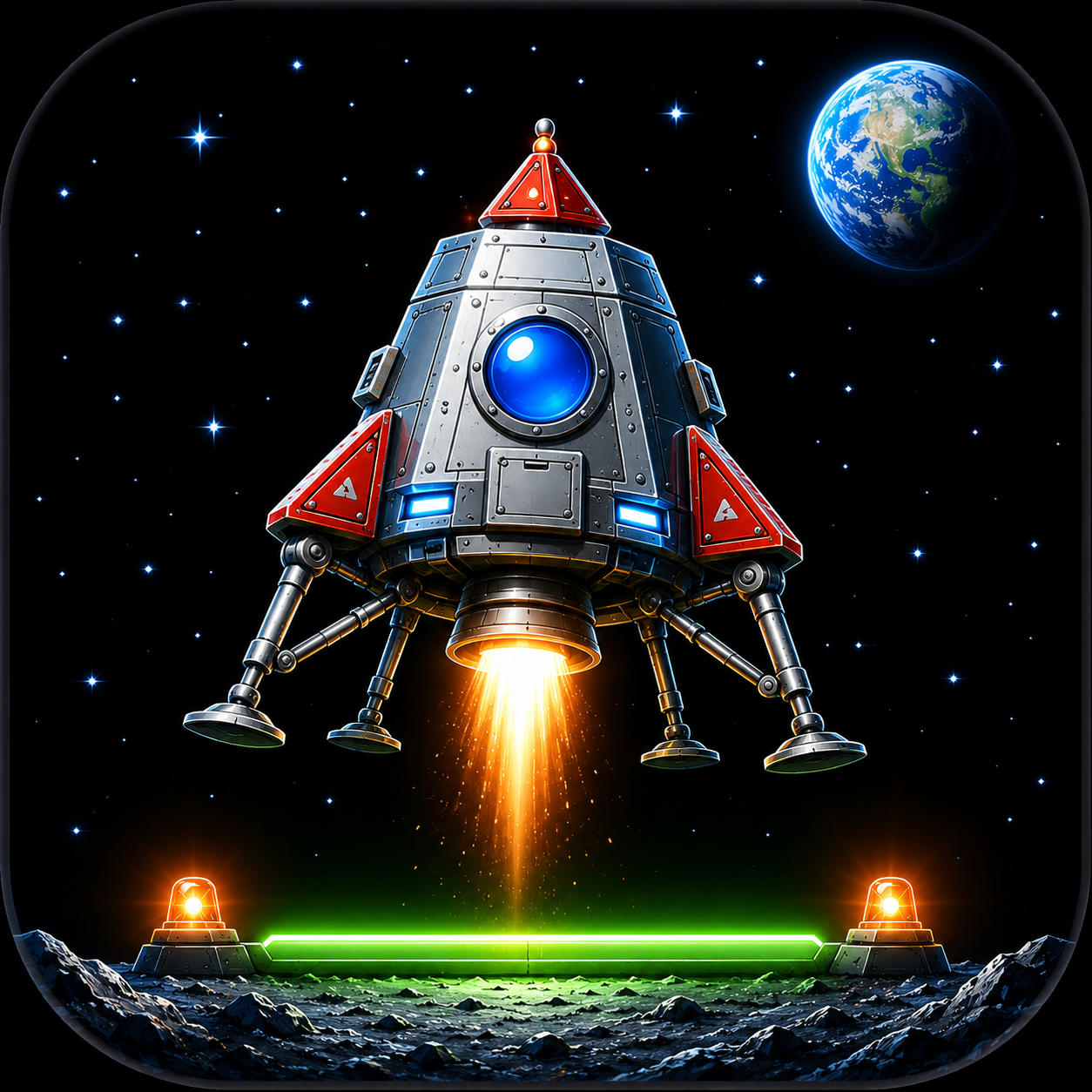
- Atmospheric space visuals — starfield, a distant Earth, and a glowing green landing pad with beacon lights
- Particle-based thruster flame and explosion effects — satisfying visual feedback on every flight
- Free to play — no download or account needed, full touch gamepad support
Who Is It For?
Moon Lander is for fans of classic space simulation games and anyone who enjoys precision-based physics challenges. Reading the instrument panel and reacting to changing terrain under pressure creates real tension, and the escalating difficulty across levels rewards players who master fuel management and controlled descent.
If you enjoy Lunar Lander-style games, physics-based flying challenges, or classic arcade space simulations, Moon Lander delivers that timeless precision-landing thrill.
Quick Facts
- Genre: Simulation / Arcade / Physics
- Platform: Web browser
- Price: Free
- Controls: Left/right to rotate, up/space to thrust
- Key mechanic: Fuel management, precision landing, escalating difficulty